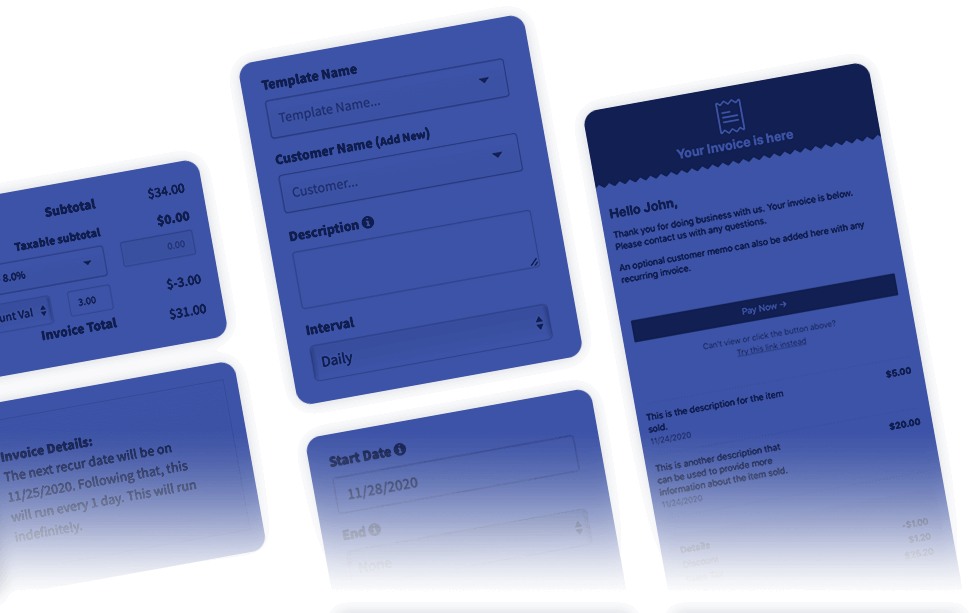
Built for storage facility operators
Storage Facilities
Recur360 automates recurring invoicing, auto-pay, and late fees for every unit you manage, so rent goes out, gets paid, and reconciles back to QuickBooks or Xero without you touching a spreadsheet.
No credit card required · Rated 4.6/5 on Capterra
Where QuickBooks and Xero stop helping
QuickBooks and Xero can invoice a tenant. They weren't built to invoice hundreds of them, on staggered move-in dates, automatically.
QuickBooks and Xero can generate a recurring invoice off a fixed schedule. Neither one auto-charges a saved card the day rent is due, applies a late fee when a unit goes past due, or flags the units quietly falling behind before they turn into a lien or auction problem. For a facility running fifty units or five hundred, that gap gets filled by hand: a manager running down a spreadsheet once a month, chasing whoever didn't pay.
| Capability | QuickBooks or Xero alone | With Recur360 |
|---|---|---|
| Per-unit recurring invoicing | Fixed repeating template | Staggered schedules, one per unit's move-in date |
| Tenant auto-pay | Not supported | Card or ACH on file, charged automatically |
| Late fees on overdue rent | Not supported | Automatic, rule-based |
| Delinquent-unit visibility | Manual spreadsheet tracking | Collections Center dashboard |
| Tenant self-service | Manual invoice + payment handling | Branded payment portal |
| Accounting sync | Source of record | Two-way sync, posts back automatically |
Feature 1
Per-unit recurring invoicing
Set a billing schedule once per unit, tied to that tenant's actual move-in date. Recur360 generates and sends the invoice automatically, whether that's one unit or a thousand across multiple facilities.


Feature 2
Auto-pay tenants never have to think about
Tenants save a card or bank account once, through a branded payment portal, and rent is charged automatically every cycle. No calls, no reminders, no manual entry on your end.
Feature 3
Late fees, applied automatically
Define your grace period and late fee rules once. Recur360 applies them the moment a unit crosses the line, consistently, without a manager having to remember to add one.
Feature 4
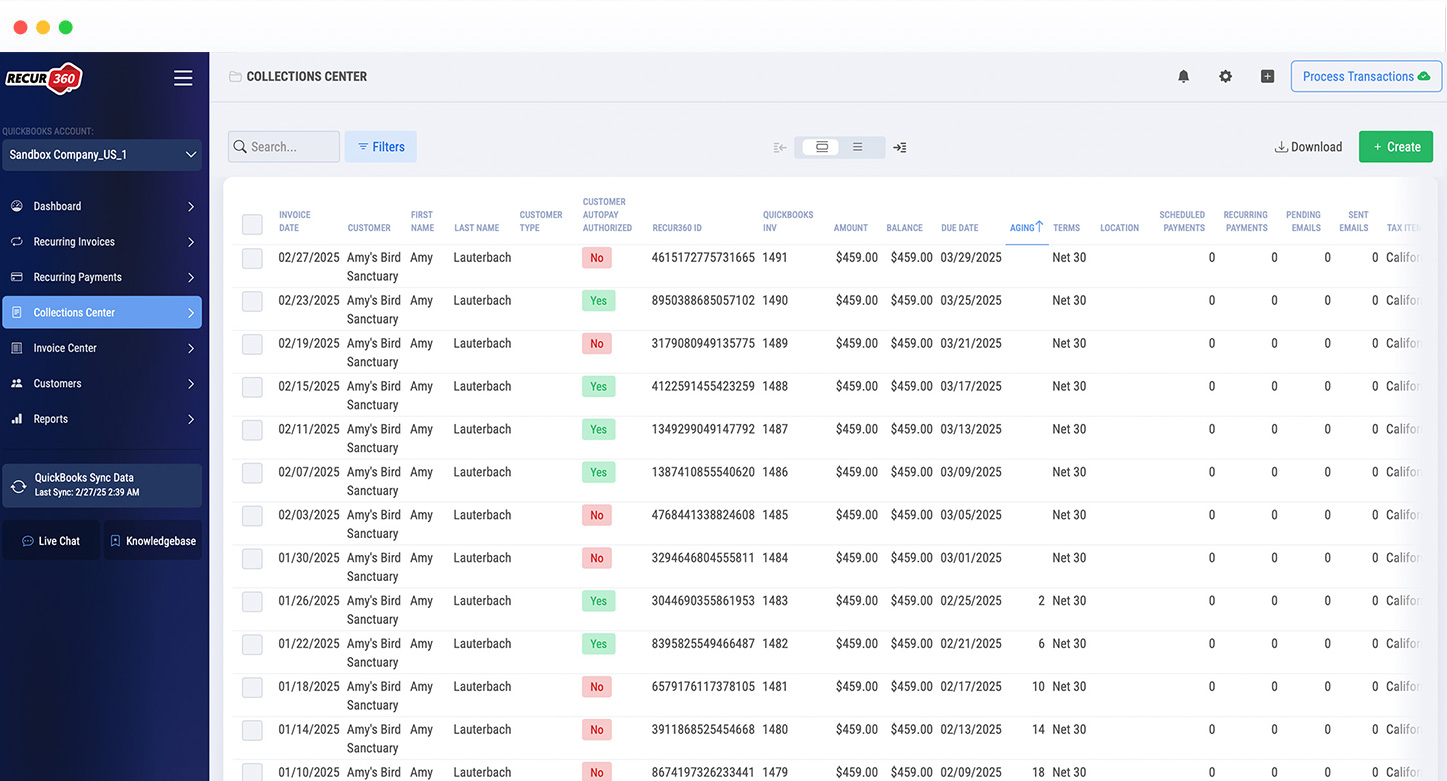
One dashboard for every delinquent unit
See every past-due unit across every facility in a single Collections Center, instead of cross-referencing a spreadsheet against your accounting software to find out who's behind.
How It Works
Connect your QuickBooks or Xero account
Securely link your existing company file or organization in minutes. Nothing to migrate, nothing to re-enter.
Set your billing rules
Define recurring schedules, late fees, and grace periods once, for one unit or your whole facility.
Rent goes out, payments come in
Invoices generate and send automatically, tenants pay through their own portal, and everything posts back to your accounting software in both directions.
Revolutionize Your Payment Management with Recur360
Simplify, Streamline, and Succeed!
Recur360 helps Storage Facilities with:

Settings
Automate your recurring invoicing workflow by simplifying the process, management and reporting on your monthly transactions.
Learn More

Invoices and Payments
Stay on top of your invoicing and billing processes with recurring invoices, recurring customer payments, and more, ensuring that your payments are always on track.
Learn More

Collections
From automatically generating invoices to applying payments, Recur360 does the heavy lifting for you, saving time and eliminating errors. Maximize your collections efficiency and accelerate cash flow with Recur360's industry leading features.
Learn More
Charges and Credits
Automatically generate late fees, convenience fees, and more, and apply them to invoices.
Learn More
“Working with Recur360 has been an outstanding experience. Setup was simple, and it immediately streamlined processes that used to take hours each month. It's been a game-changer for our operations.”
— Jeff J., CEO, Marketing & Advertising, via Capterra
Recur360 works the same way for any recurring-revenue business, not just storage:
Pricing
Straightforward pricing. QuickBooks and Xero support included.
Pay less for automated rent collection than the hours it's replacing. No per-unit upcharge, no surprise tiers.
View PricingNo credit card required
FAQ
GET STARTED
Try it for free
Start growing faster, smarter, and stronger. Create an account and start creating your invoices with a free trial.
Start Free TrialOr schedule a Demo