Recurring invoices, late fees, and online payments now sync automatically with your Xero account.
If you run your books in Xero and your revenue depends on getting paid on a schedule—every week, month, or quarter—you’ve probably hit a wall: Xero is excellent at recording what happened, but it was never built to chase down what’s overdue.
That gap just got smaller. Recur360 now connects directly to Xero so recurring invoices go out, late fees get applied, and payments come in—all without touching a spreadsheet or switching systems.
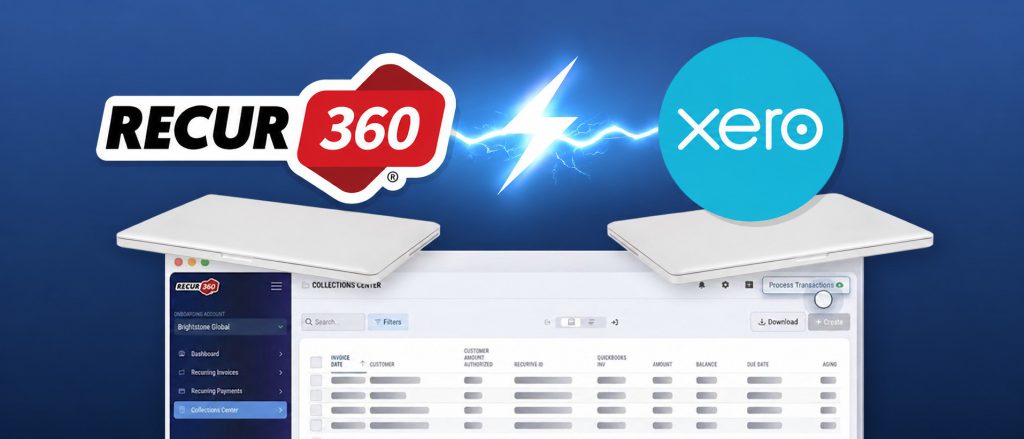
What’s New
Recur360’s Xero integration is live today. Connect your account securely at no extra cost on your existing Recur360 plan. Invoices, payments, and credit memos sync automatically both ways—no manual exports, no double data entry.
Note: This is not a replacement for Xero. Xero remains your source of truth; Recur360 sits on top of it to automate the recurring billing work Xero wasn’t built to handle.
Why Xero Users Asked for This
Xero’s repeating invoices work well for basic fixed templates. But it falls short when your operational billing needs get complex:
- Xero itself cannot apply late fees when payments run overdue.
- It doesn’t offer self-serve credit card or ACH portals.
- It cannot flag quiet drop-offs in recurring revenue automatically.
Xero Alone vs. Recur360 + Xero
| Capability | Xero Alone | Xero + Recur360 |
|---|---|---|
| Recurring Schedules | Fixed repeating templates | Dynamic schedules & auto-adjustments |
| Late Fees & Surcharges | Not supported | Automatic, rule-based |
| Customer Payments | Manual bank transfer / entry | Branded self-serve portal (Card & ACH) |
| Past-Due Follow-up | Manual emails | Automated reminders + Collections Center |
| Accounting Sync | Source of record | Two-way automated sync |
What You Can Do Now
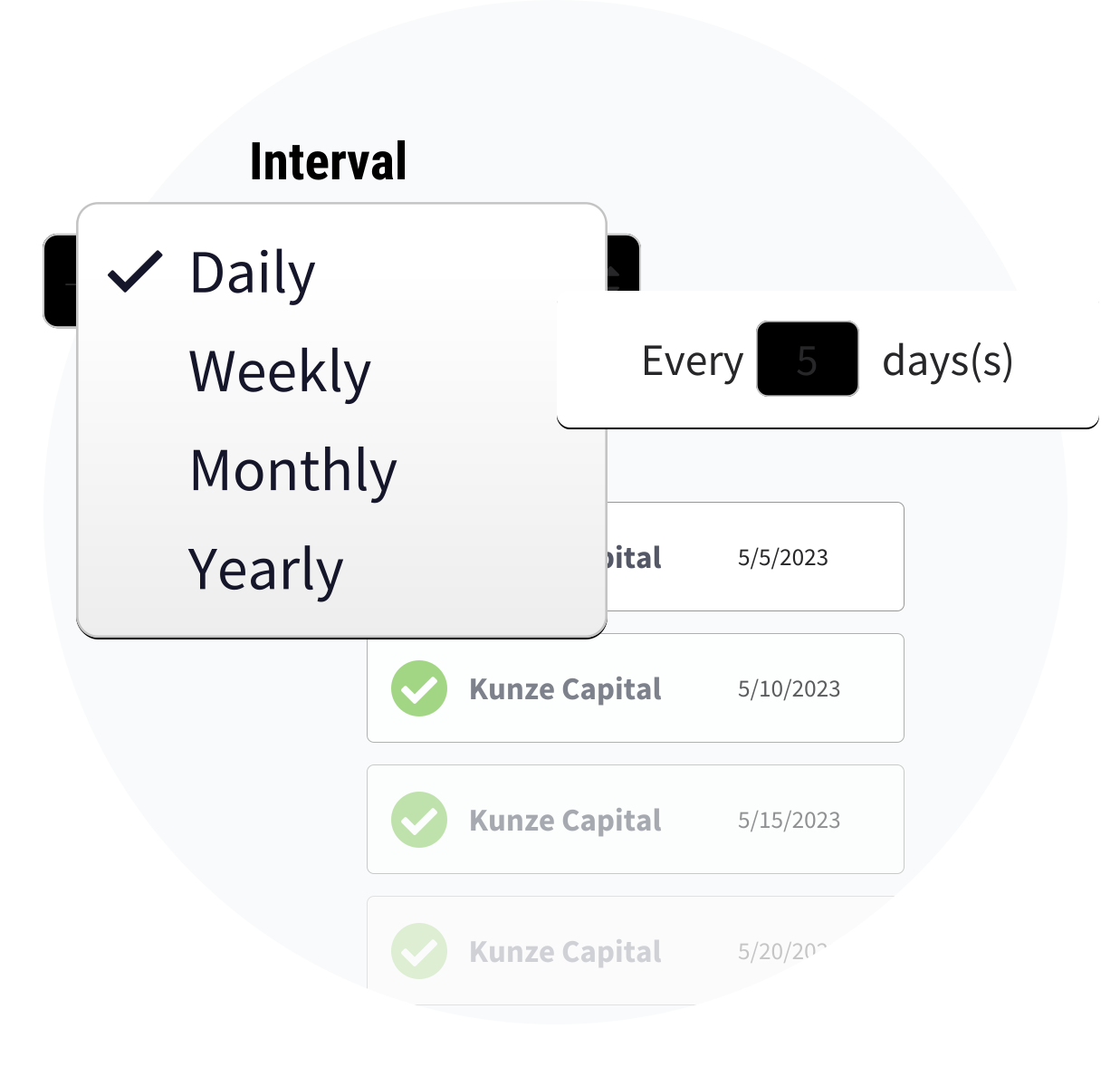
1. Smart Recurring Invoices
Generate invoices directly against your live Xero chart of accounts. Recur360 handles proration, tier changes, and one-off adjustments effortlessly.
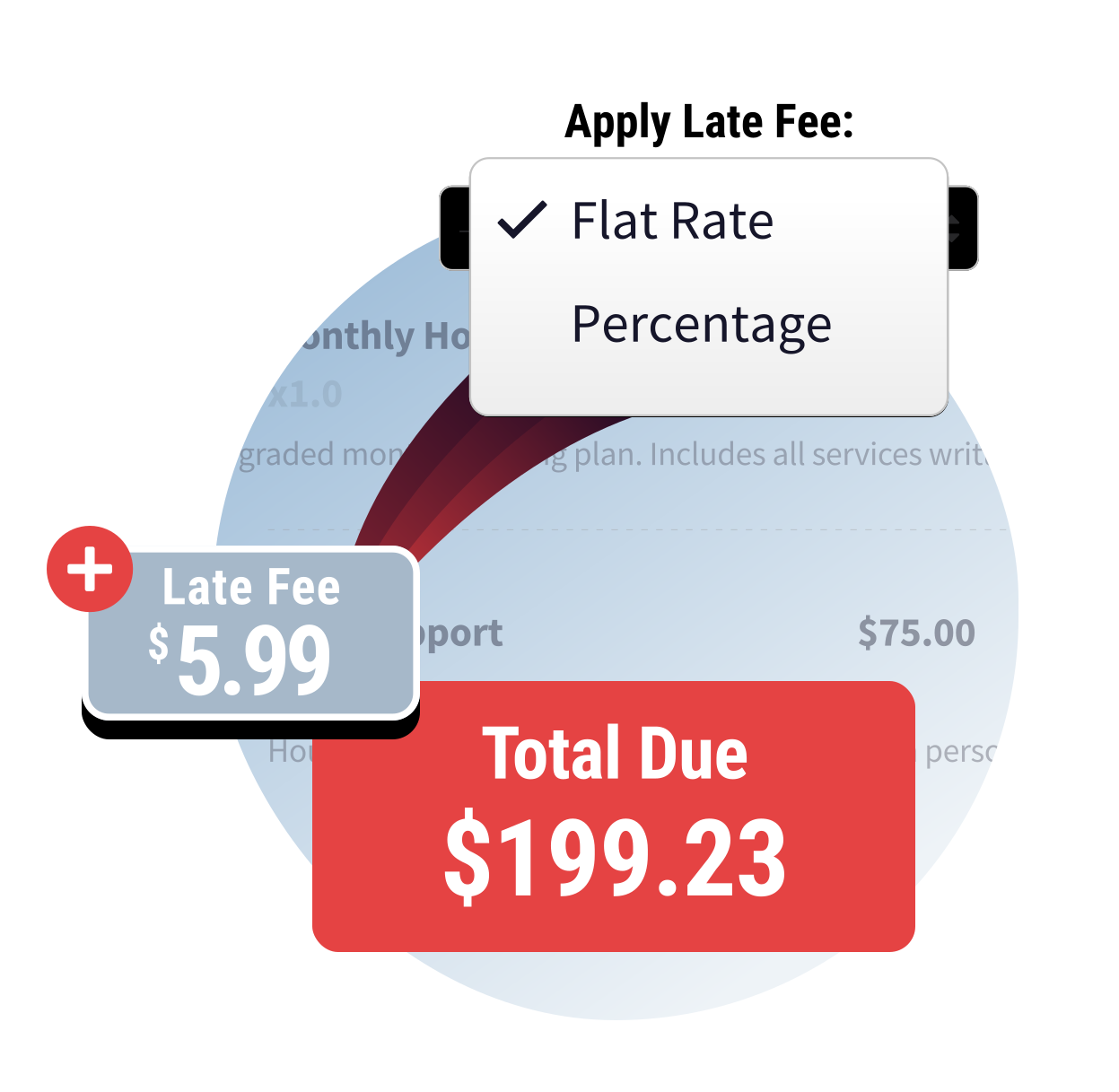
2. Automated Rules
Set late fee, surcharge, or early-payment discount rules once. They apply automatically across every invoice as a gentle nudge to get paid faster.
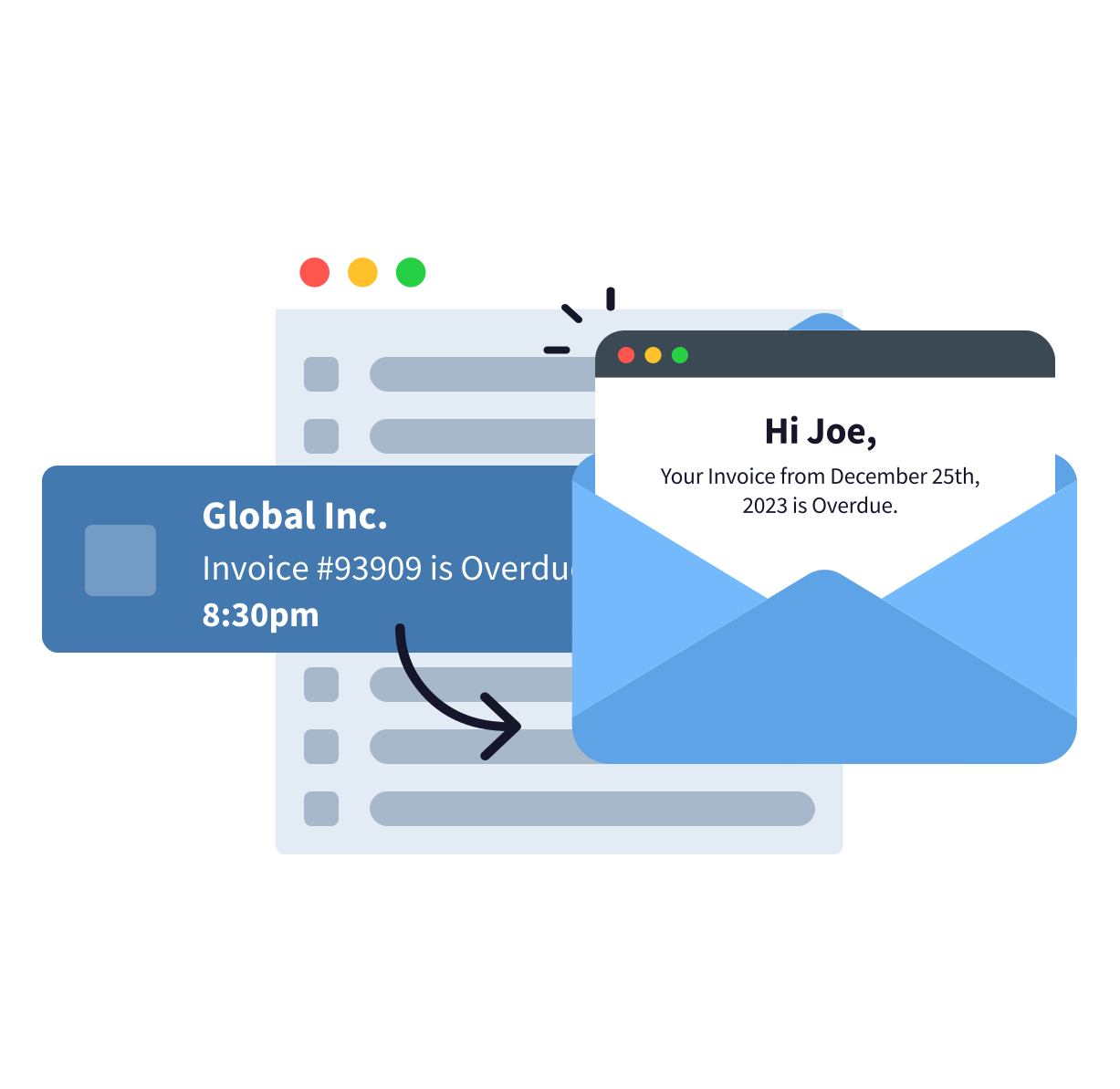
3. Self-Serve Portal
Give customers a dedicated portal to pay balance amounts via card or ACH. Every payment automatically reconciles back into Xero.
4. Unified Collections Center
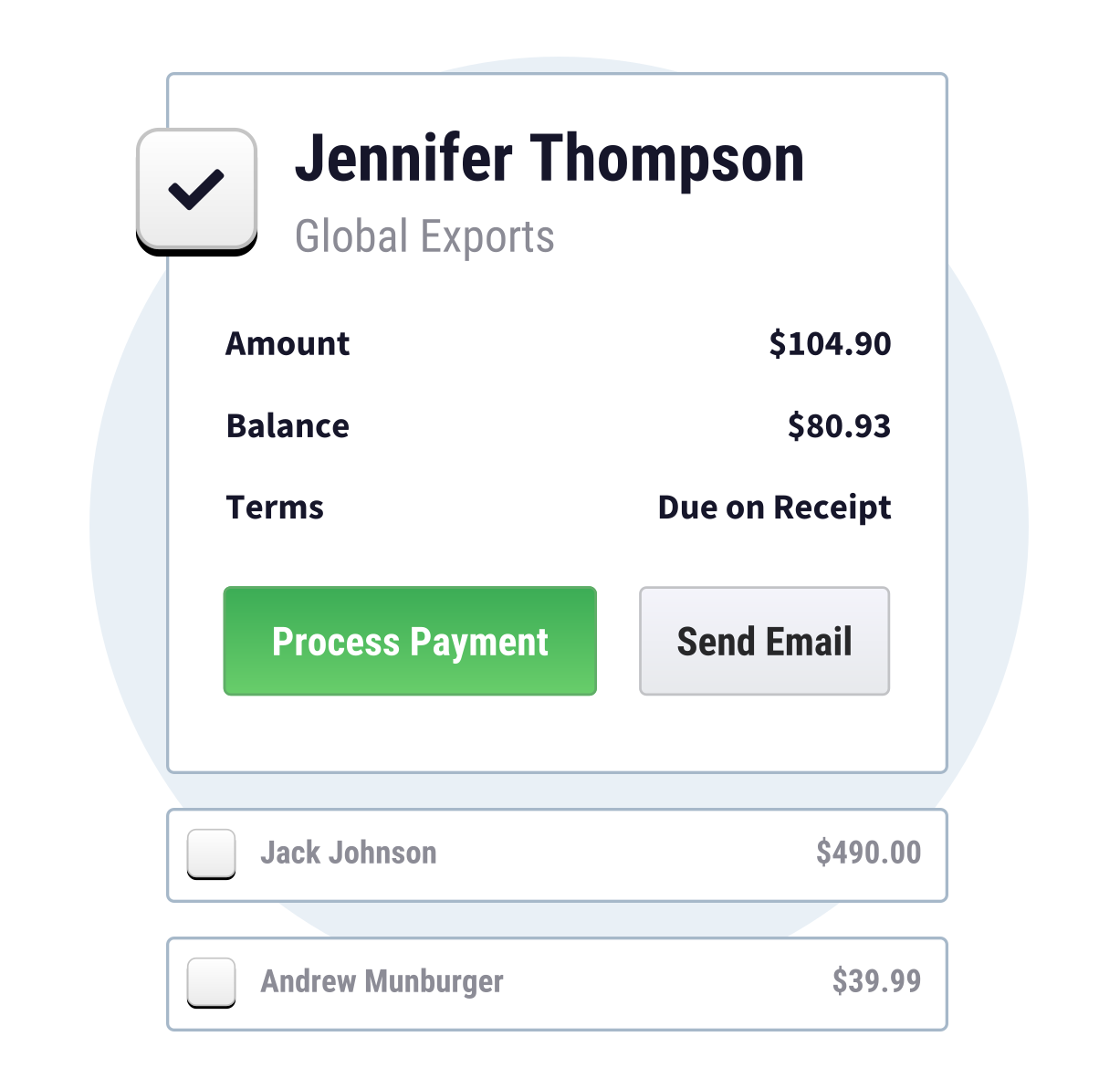
View all open Xero invoices in one central dashboard. Send bulk reminders and track aging without leaving Recur360.
Built for Recurring Business Models
This integration is purpose-built for service industries where a few late invoices can slow down cash flow:
- Storage & Self-Storage Units
- Waste Collection & Sanitation
- Lawn Care & Landscaping
- Fitness Clubs & Gyms
- Alarm & Security Services
- Pool Maintenance & Services
How to Connect Recur360 to Xero in 3 Steps
- Connect Your Account: Authenticate using Xero’s secure login flow—no data migration required.
- Set Billing Rules: Configure schedules, late fees, surcharges, and discount terms once.
- Sync Both Ways: Let automated syncing post invoices, payments, and credit memos instantly.
Frequently Asked Questions
Will connecting Recur360 change my existing Xero setup?
No. Recur360 works with your existing chart of accounts and tax rates without restructuring your setup.
Does this cost extra on top of my Xero subscription?
No extra fees apply. The Xero integration comes standard on your existing Recur360 plan.
Is the integration available outside the US and Canada?
We currently support businesses in the US and Canada. Contact our support team to learn about roadmap availability for other regions.
Is there a free trial?
Yes, you can sign up instantly without a credit card or request a live demo to test it in a Xero sandbox first.
Ready to Automate Your Xero Invoicing?
Start managing recurring invoices, late fees, and payments without the manual work.
Want full details? Visit the Recur360 for Xero feature page.